
Arch plugins
Render without leaving your program
With the plugin, the view on your screen becomes a render in one click. The result goes into your Arch project, ready for the client presentation.

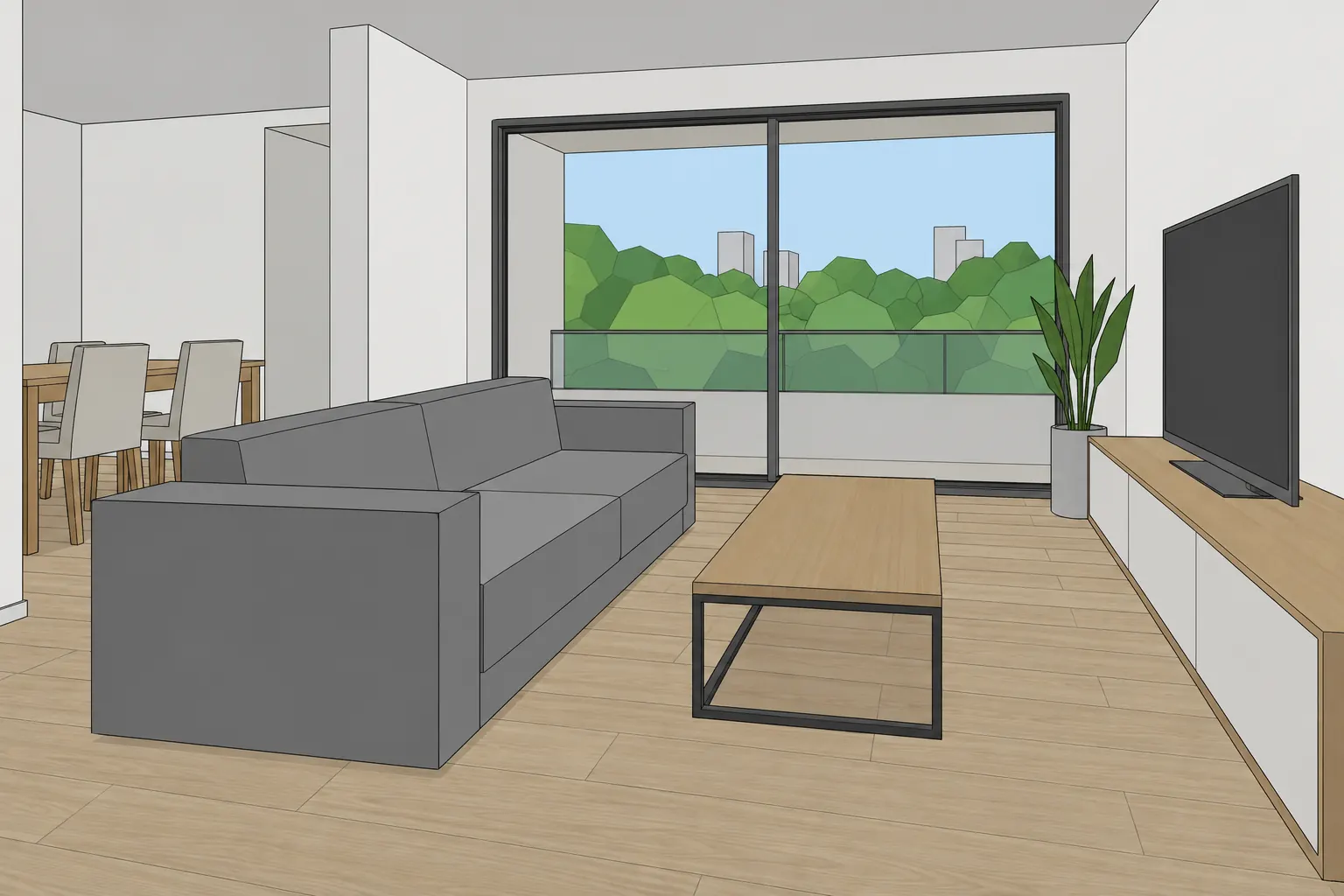
SketchUp
AvailableRenders your SketchUp view in one click and records camera moves that become a video.
SketchUp 2024, 2025 and 2026 · Windows
Download the plugin .rbz · 276 KB · version 1.0.1How to install
- In SketchUp, open Extensions › Extension Manager.
- Click Install Extension and choose the .rbz file.
- Open Arch from the Extensions menu and click Sign in.
Rhino
AvailableRenders the active Rhino viewport and shows the result in a panel inside the program.
Rhino 8 and 9 · Windows
Get it on food4Rhino (opens in a new tab)Rhino’s official storeHow to install
- Download and install it from the food4Rhino page.
- In Rhino, type the Arch command and click Sign in.
Archicad
AvailableRenders your Archicad 3D view and shows the result in a palette inside the program.
Archicad 30 · Windows 64-bit
Download the plugin .zip · 661 KB · version 1.1.0How to install
- Close Archicad and unzip the file into a folder, keeping VolutaArch.apx and the VolutaArch-ui folder side by side.
- Open Archicad 30, go to Options › Add-On Manager, click Add and choose VolutaArch.apx.
- Open the panel from Voluta › Arch › Open Arch and click Sign in.
Revit
Coming soonRenders the active Revit 3D view and opens the result in your Arch project.
Revit 2023 to 2027 · Windows
Via the Autodesk App Store.
How it works
- 1InstallDownload the plugin for your program and follow the steps on its card.
- 2Sign inClick Sign in on the panel and confirm the code in your browser. No account yet? One is created right there.
- 3RenderFrame the view and click Render. The render appears in the panel and in your Arch project.
What it costs
The plugin is free. Each render uses credits from your Arch account. To try it, a new account gets 2 free renders (350 credits), no card; video comes with a plan. On the first subscription, plans start with 7 free days, and the first charge is on day 8.