
AI rendering · Guide
AI rendering for architecture and interiors
AI rendering is the view of your project redone by AI with the look of a photograph, from an image you already have: a screenshot from your 3D program, a photo or a sketch. Upload the image and get the render in the browser, with nothing to install.
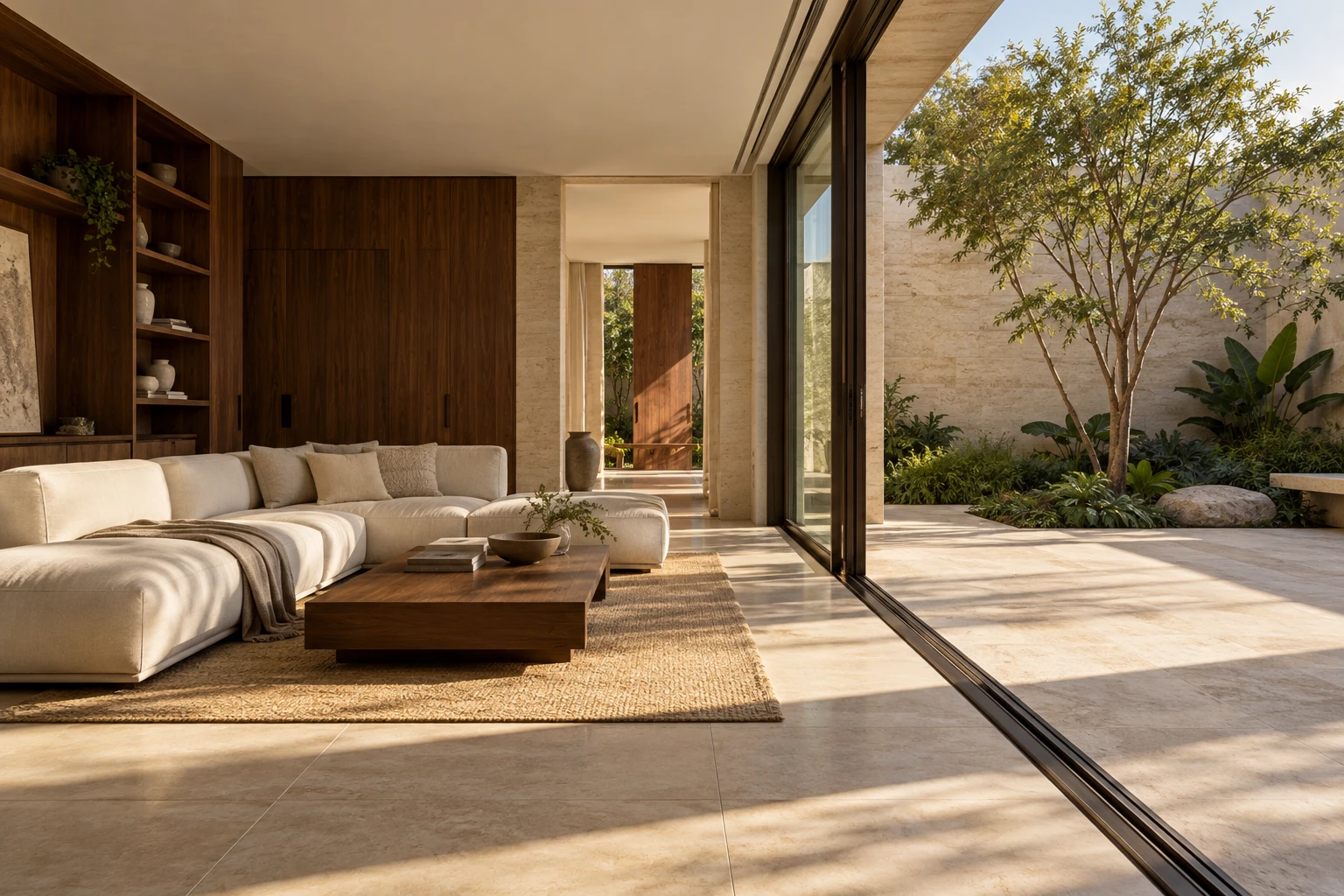
What an AI render is
In traditional rendering you set up lights, materials and the camera inside the program and wait for the computer to calculate the image. With AI rendering, you upload an image of the view and the AI returns the same view with the look of a photograph.
The geometry and framing of your image are kept. What the AI redoes is the look: the light of the time of day you choose, the materials, the reflections and the photographic texture. Small details, such as a handle or the number of doors, can change: compare with the image you uploaded before showing it to the client.
By Arch's own measurements, half of all renders are ready in about 18 seconds, and 9 in 10 within 30 seconds.
What you can upload
Arch works with images. You do not export the model file or install a plugin. It runs in the browser, on the phone too.
- A render from a screenshot or an exported image from SketchUp, Revit, Archicad, Rhino, Blender or another 3D program.
- An image from Promob, Lumion or Enscape, even an old render.
- A hand sketch or a photo of a physical model.
- A photo of a room that already exists, to change or furnish.
- A facade or an elevation.
- A floor plan, which becomes a humanized floor plan.
How it works, step by step
The AI reads the image before it renders and says what it understood: whether the view is interior or exterior, and whether it is a model, a photo, a sketch or a plan. You confirm or correct it with one tap.
- Upload the view. A screenshot with the program bars also works: the view is cropped.
- Choose what to create: just the render, Render + video, or the option the image calls for.
- Choose the time of day: Morning, Midday, Golden hour, Overcast or Night.
- If you like, write what has to stay or change in “Anything to ask for?”.
- Compare the render with the original and ask for another version of the same view if something changed.
Free AI rendering: what the trial includes
The trial is there to show the result on your own view, not on a sample image. A new account gets renders without paying and without a card, and the client presentation shows as a preview.
Trial renders have no watermark. When you subscribe, the presentation is unlocked without making the images again.
Where AI for architecture gets it right and where it slips
AI for architecture gets light, reflection, texture and atmosphere right. It can slip on small details: the number of doors on a cabinet, a handle, an object that was not clear in the screenshot. Clear views, with nothing cut off, slip less.
An AI render shows how the project looks. Dimensions and construction details still live in the model and the technical drawings.
From the render to the presentation
With the renders ready, you pick the views and build an online presentation with your studio logo. The client opens the link on the phone and approves each room or marks on the image what to change. The same selection exports to PDF and PPTX, and a view can become a short video.
What it costs
To try it, a new account gets 2 free renders (350 credits), no card; video comes with a plan. On the first subscription, plans start with 7 free days, and the first charge is on day 8.
Frequently asked questions
Is there free AI rendering?
To try it, yes: a new account gets renders without paying and without a card; video comes with a plan. After that there are monthly and annual plans, with the prices on the pricing page.
Do I need to install a plugin?
No. Arch runs in the browser, on a computer or a phone. You upload an image of the view.
Does the AI change my design?
It keeps the geometry and the camera of the image and redoes light and materials. It can slip on small details, so compare the result with the original before sending it to the client.
Which programs does it work with?
Any program that makes an image of the view: SketchUp, Revit, Archicad, Rhino, Blender, Lumion, Enscape, Promob and others. Also sketches, photos and floor plans.
Are my images used to train AI?
We do not use your images to train AI. They go to paid AI providers only to read the images and make the render and the video, and our team only sees them to help you and improve the service: in support, when you rate a result and when reviewing how the product is used. Details in the Privacy policy.